Brand video pipeline for Claude
Two modes in one skill — edit talking heads, demos, and montages with word-synced kinetic captions, or synthesize AI-UGC spokespeople from a script. All mastered 9:16 with a 4:5 safe zone, styled from your brand.json.
Get the bundle
Two fields. We send the files and a setup note — that's it.
If this sounds familiar, the claude skill is for you.
Every brand's short-form ends up looking different because the style lives in an editor's head, not a spec.
AI-UGC tools spit out generic talking heads that don't match the brand — wrong colors, wrong voice, captions off the safe zone.
Reels get their tops and bottoms chopped because nothing enforces the 4:5 safe zone.
Scaling video to a new brand means rebuilding the whole editing setup from scratch.
A working system, not a prompt.
Each piece extracted from a live engine — same prompts, same scaffolding, same rules.
- 01SKILL.md — the operating system: task routing, the universal 9:16 / 4:5 conventions, and a new-brand onboarding flow
- 02references/ (9 docs) — the LOCKED editing standard, the AI-UGC synthesis pipeline, a CRO script-writing framework, the brand.json contract, and the voice-profile schema
- 03scripts/ (7 brand-neutral Python tools) — ElevenLabs Scribe transcription, phrase-packing, filmstrip + waveform timeline views, ffmpeg color-grade, and an EDL-driven renderer
- 04The editing standard: word-synced kinetic captions with no dead zones, punch-in cuts on speech boundaries, blur-whip transitions, and boxed product cutaways that never crop-to-fill
- 05The AI-UGC pipeline: script + locked character portrait + TTS into a lip-synced talking head, with native-audio and Scribe-QC rules so the sync never drifts
- 06Templates — brand.json, voice-profile, UGC brief — plus a one-command new-brand scaffold: universal style, per-brand tokens, nothing hand-typed into overlays
The value is the framework, not any one brand — a locked editing standard, an AI-UGC pipeline, and a script method, all reading brand tokens from one JSON contract. Onboard a brand, fill the tokens, and the whole system is theirs.
Built for a specific operator. Not for everyone.
- Operators and agencies running short-form for multiple brands who need one repeatable system, not a per-brand rebuild
- Founders who want on-brand Reels, TikToks, and Shorts — real footage or AI-UGC — without hiring an editor
- Anyone onboarding a new brand for video who wants the style locked in a config file, not in someone's head
- Anyone producing long-form or 16:9 YouTube — this masters 9:16 vertical for Reels, TikTok, and Shorts
- People wanting a one-off manual edit with no setup — the pipeline expects ffmpeg, Python, and a brand.json
- Teams expecting a done-for-you content service — this is the production system, not a managed studio
How it works
Can Claude edit video?
Yes. With this skill, Claude edits real footage end to end — it trims and cuts on speech boundaries, colour-grades, and animates word-synced captions, then masters the result 9:16 for Reels, TikTok, and Shorts. It drives ffmpeg and an EDL-based renderer under the hood, so when people ask whether Claude can edit video, this is the concrete answer: a full production pass on the clips you provide, not a toy preview.
Claude video editing, standardized
The point of Claude video editing here is consistency, not one-off edits. A locked standard — punch-in cuts on speech boundaries, no-dead-zone kinetic captions, blur-whip transitions, boxed product cutaways, and a 4:5 safe zone — applies to every clip, with the look bound from your brand.json token file. Same rules across every brand and every piece, so the result never depends on which editor happened to touch it.
What the Claude video editing skill also does
Beyond editing footage you provide, the Claude video editing skill synthesizes AI-UGC talking heads from a script, writes CRO-structured UGC scripts and hooks, and onboards a new brand's tokens in a single scaffold. Real footage and AI-generated spokespeople leave the same render pipeline looking identical — one system for every short-form video a brand needs.
The same claude skill I run for paying clients. Yours, free.
Two fields. The bundle and a short setup note land in your inbox.
07 · FAQ
Common questions
Do I need to be technical to run this?
Somewhat. It expects ffmpeg and Python on your machine, plus an ElevenLabs key for transcription (and a video-gen provider for AI-UGC). If you can run a command in a terminal, you can drive the rest through Claude.
Which AI video and voice tools does it use?
The reference build uses ElevenLabs for voice, Higgsfield / kie.ai (Seedance-class) for video, and Nano Banana for images — but each is a documented swap-in point. Substitute an equivalent provider and the framework doesn't change.
Can I use it for more than one brand?
That's the whole point. Each brand is a folder with its own brand.json token file; the editing standard, script method, and scripts are shared. Onboard a new brand by scaffolding the folders and filling the tokens.
Can Claude edit video, or does it only generate AI clips?
Both. Claude video editing here trims, cuts, grades, and animates footage you provide; a second mode synthesizes AI-UGC talking heads from a script. They feed the same render pipeline, so the output style is identical.
Don't want to run the pipeline yourself?
Social Engine is this exact system, run for you. You send raw footage; we edit it into short-form and post it across every channel on a fixed monthly plan — no ffmpeg, no setup on your side. Same editing standard, none of the work.

“I build AI growth engines for luxury villas, boutique hotels, and high-ticket service brands. The skills I give away are the ones I run for paying clients. If you build it yourself, great — if you’d rather have it built and run, talk to me.”
More claude skills
 Popular
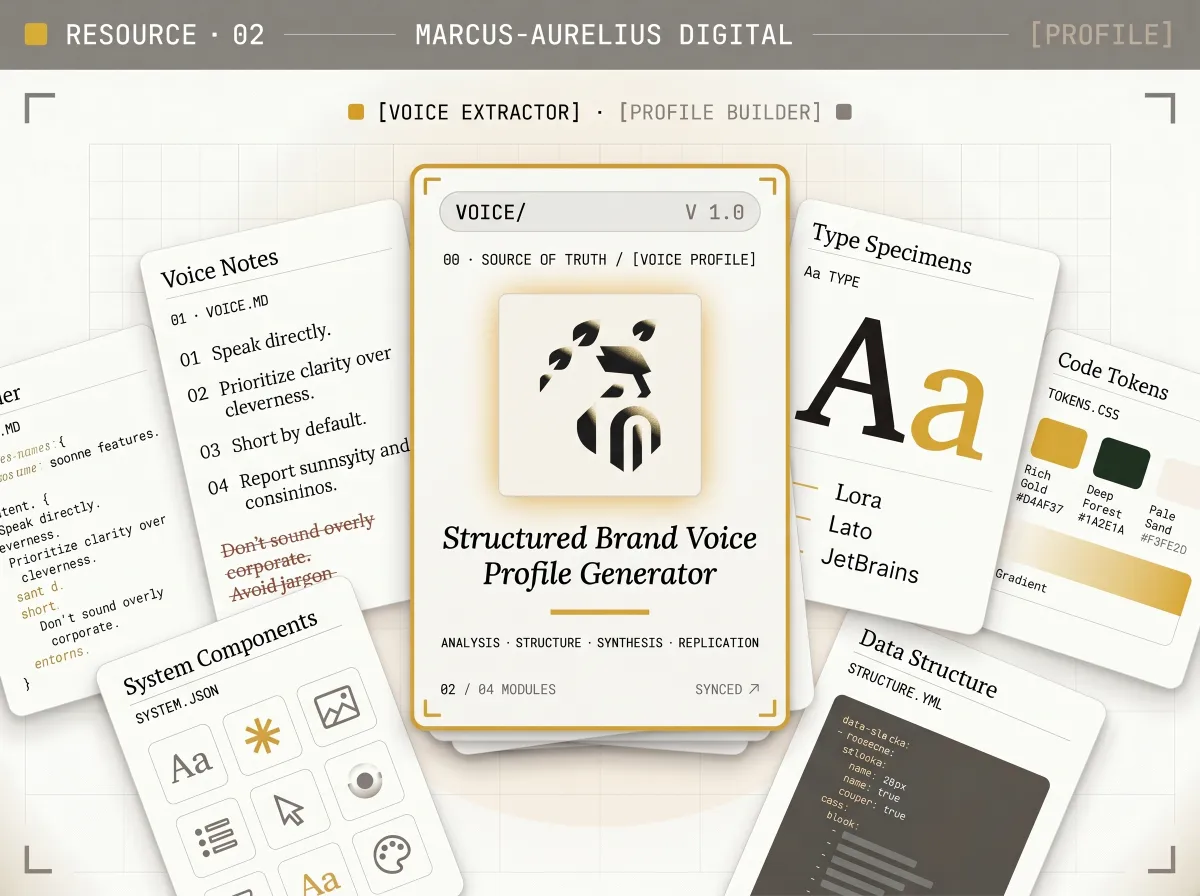
 AI brand voice generator for Claude
An AI brand voice generator that turns real chats, emails and transcripts into a structured YAML voice profile any LLM can use to sound like the brand.
Access this resource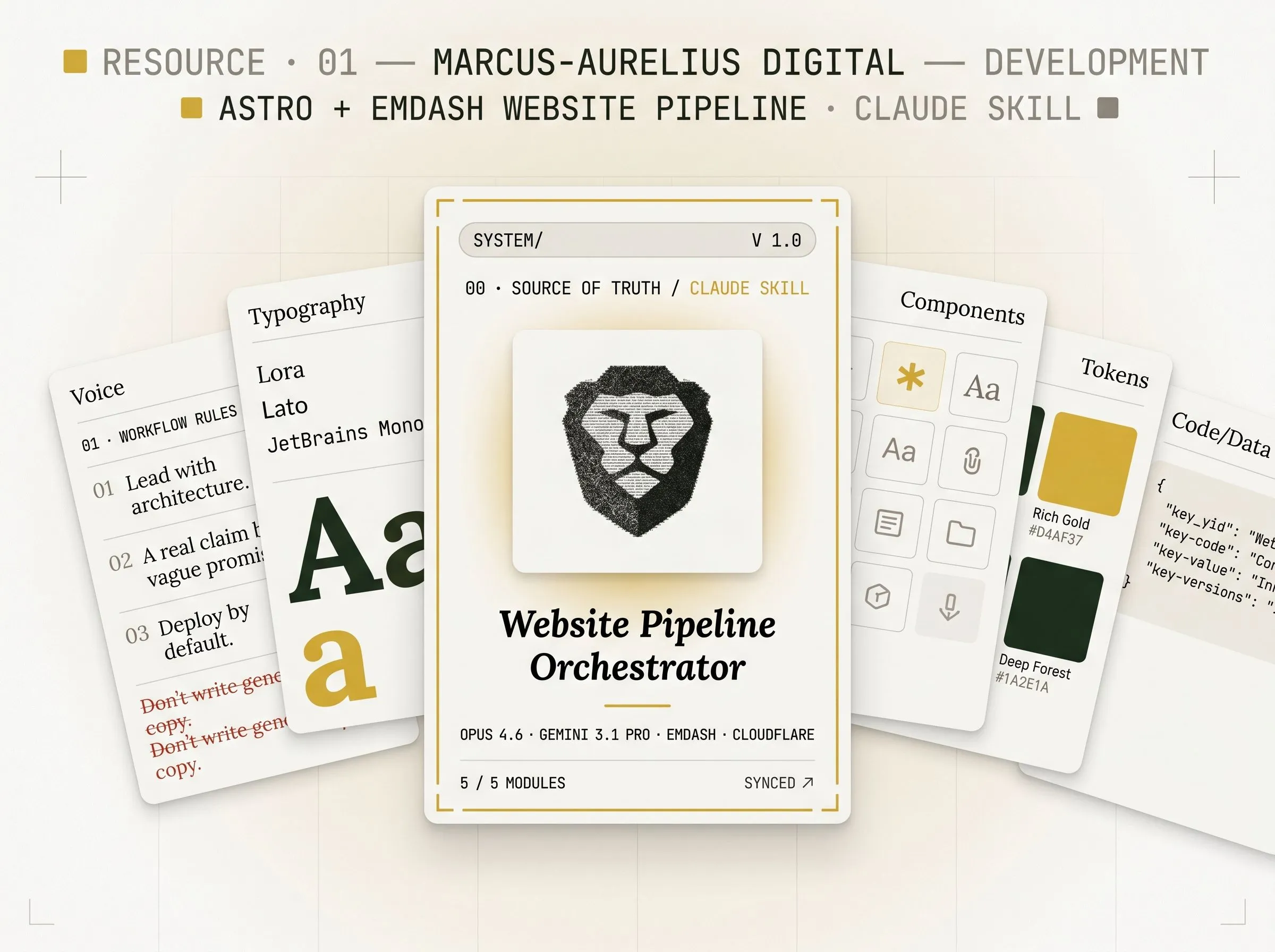 Popular
 Astro site builder skill for Claude
A Claude skill that builds complete Astro + EmDash sites through a 5-phase dual-AI pipeline — architecture, design, SEO, and Cloudflare deploy.
Access this resource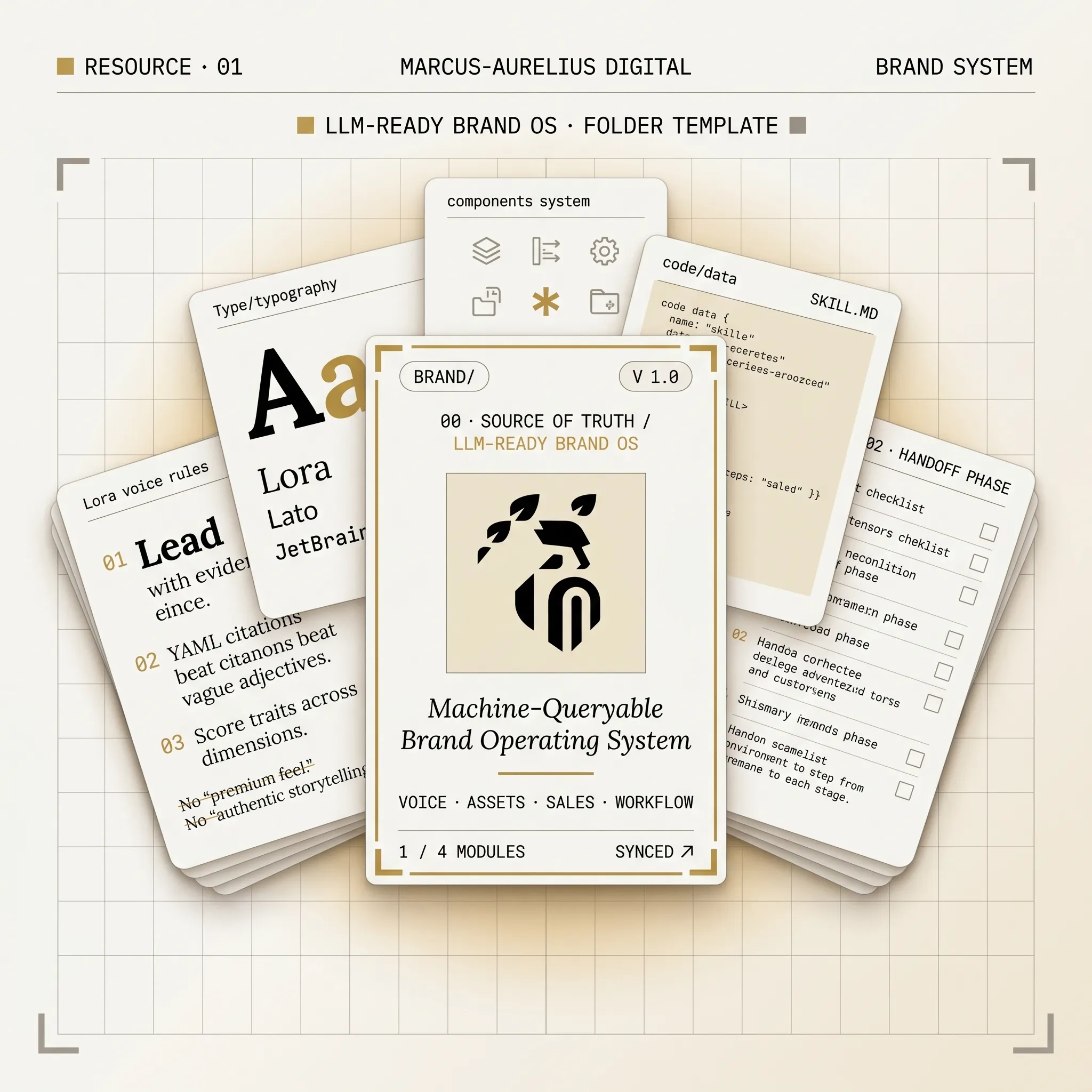 Popular
 Brand Context Folder creator for Claude
A Claude skill that produces a complete, LLM-ready brand operating system for any client — not a Figma file, not a locked PDF, not a one-off prompt.
Access this resource