How to Keep Claude Consistent Across Sessions for Non-Coding Work
How to keep Claude consistent across sessions for non-coding work: build one brand context folder every session reads, so output stays on-brand and in voice.

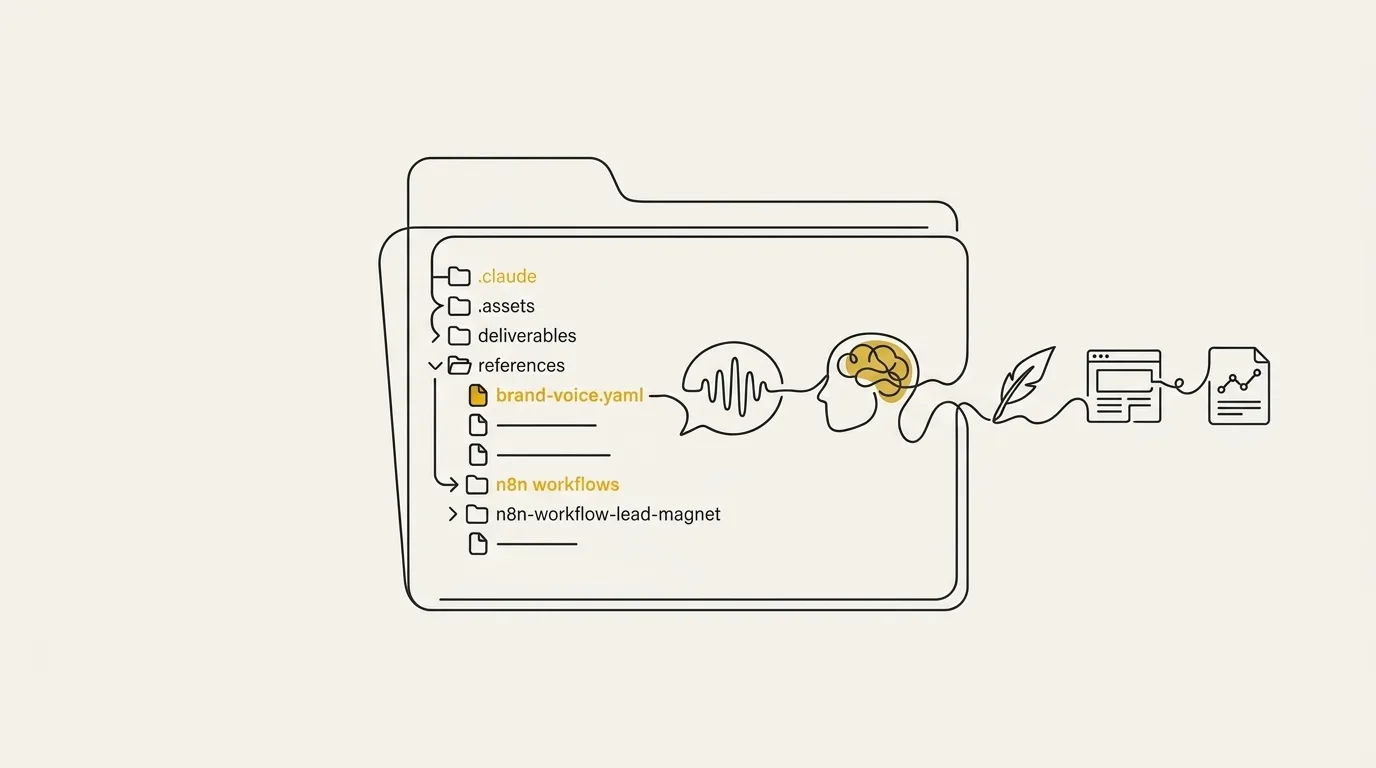
On this page
- Stop Re-Explaining Your Brand to Claude Every Single Session
- The Fix: One Brand Context Folder Every Session Reads
- Who This Works For
- What Goes Inside the Folder for Non-Coding Work
- Session Handoff and the Start and End Ritual
- Common Mistakes That Break Consistency
- Common Questions
- Have Us Build Your Brand Context System
Stop Re-Explaining Your Brand to Claude Every Single Session
If you run brand or client work in Claude without writing code (solo marketer, agency owner, founder), you already know the hassle: every new session forgets the project, so you re-paste the context and watch the model generate generic outputs. Here’s how to keep Claude consistent across sessions for non-coding work: give every session the same brand context to read before it writes a word. Claude is stateless by default, so no memory carries over, and short instructions pasted mid-chat lose weight as the conversation grows.
That is the fix, and it is simpler than another prompt rewrite. One folder holds your voice rules, services, pricing and past decisions, and every session reads it first. We at Marcus-Aurelius Digital build these context systems so each session inherits a brand’s voice, goals, and prior decisions, and the model holds far more of that history than a human writer could absorb in days.
Download the brand context folder creator for free.
The Fix: One Brand Context Folder Every Session Reads
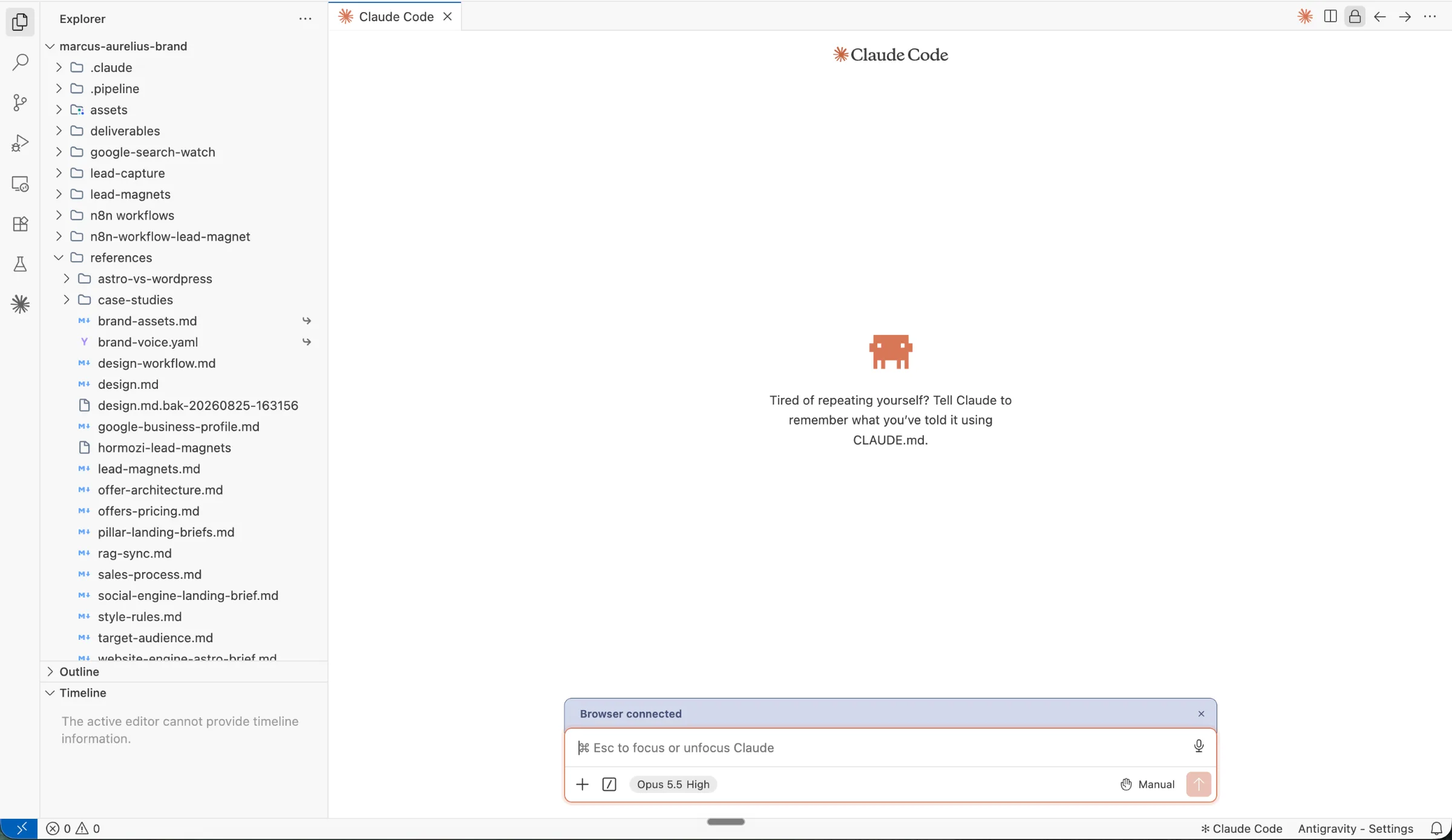
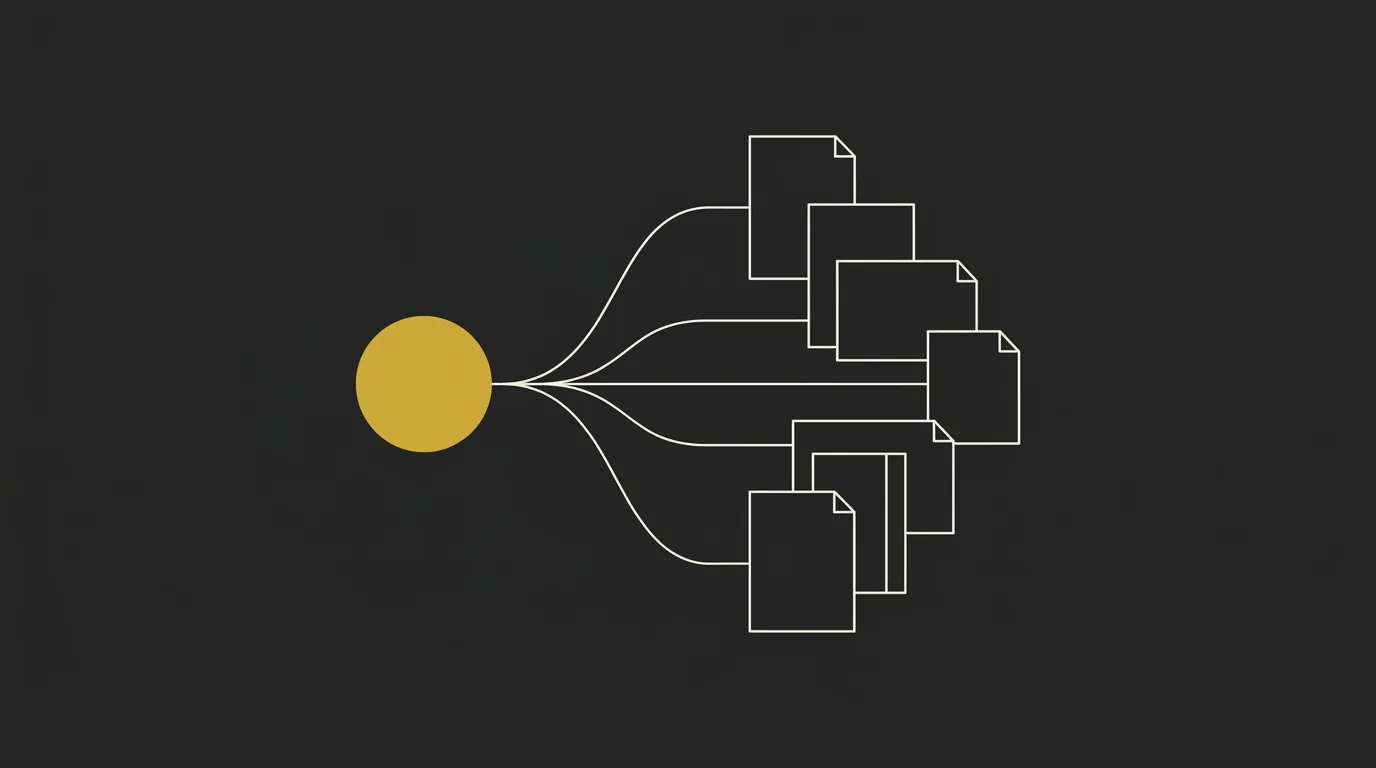
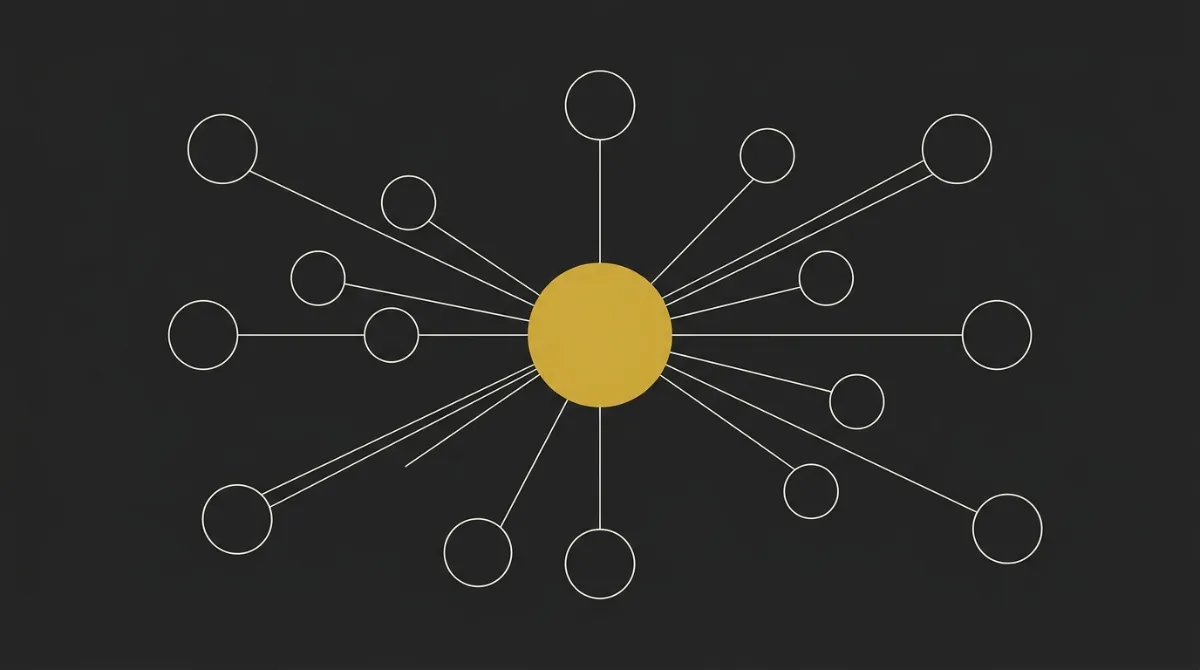
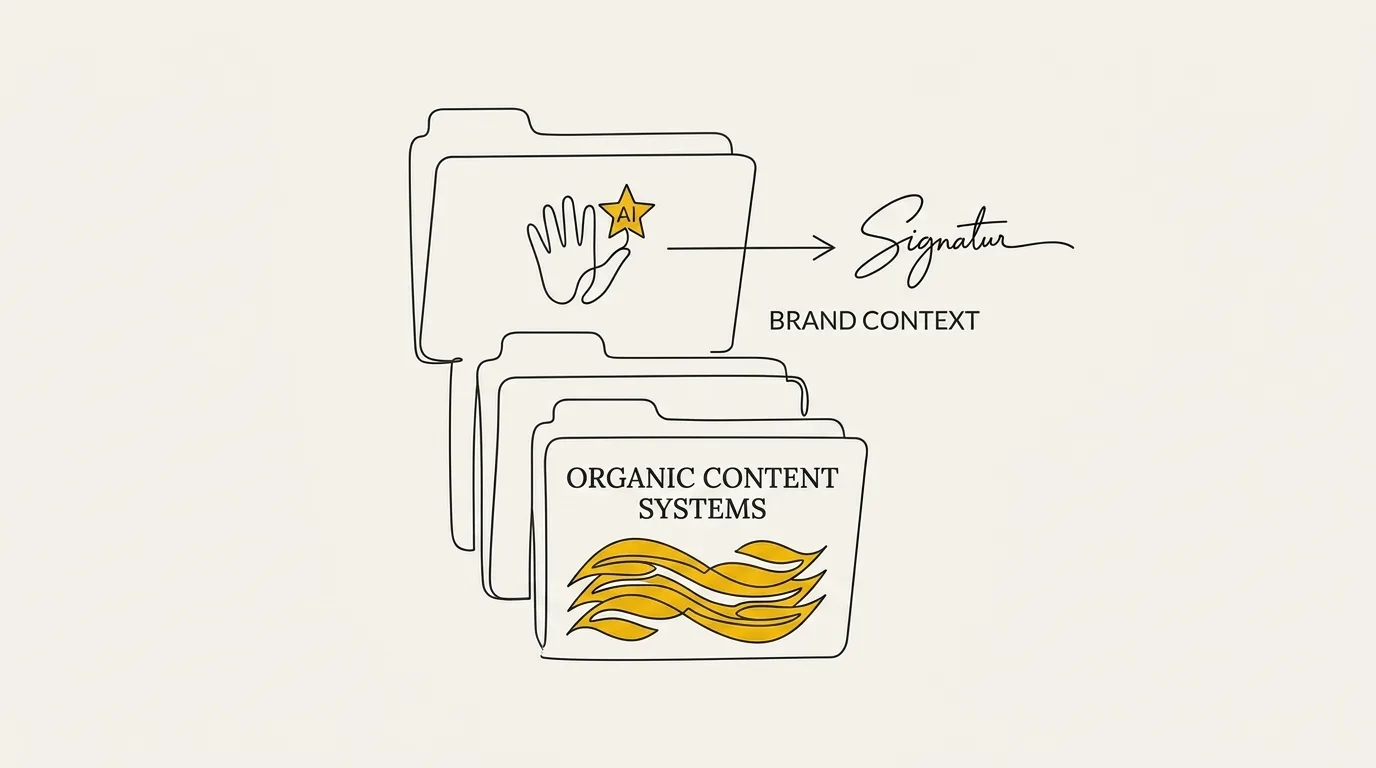
The way to keep Claude (or any AI-powered harness) consistent across sessions is a persistent brand context folder with a CLAUDE.md master file that every session reads at the start. Claude starts each session fresh, so the folder carries your voice and visual rules into every job.
You work in Claude Code or an IDE so Claude can read the folder, its files, and its subfolders directly. It pulls context from what sits on disk instead of relying on what was said earlier in the chat. Treat the project like a repository: local structure plus instructions Claude reads from.
CLAUDE.md is the index. It sits at the top of the folder and points to every other file, so Claude knows where the voice rules, the product facts and the visual guidelines live before it writes a word. What goes in each file gets its own section further down.
This beats one-off prompts because you build it once and reuse it across sessions. A prompt pasted into a chat lives and dies with that chat, and it eats into the context window every time you re-paste it. A file on disk is there for the next job, and the one after that, with no re-briefing.
So the setup is short. Build the folder first, make CLAUDE.md the entry point, and open every session from it. Voice, rules and facts stay put while the sessions change.
For the full build, download our brand folder creator.
Who This Works For
This method fits anyone who runs brand or client work in Claude without writing code. The same brand context folder runs in Claude Code or attaches at the start of a chat, so no developer skills are needed.
Solo marketer or founder
You are tired of re-teaching Claude your positioning every session. One master file carries your voice, offer and audience, so session ten starts where session one ended.
Agency owner or freelancer
You juggle several clients who each need separate context. A folder per client keeps one brand's tone and banned words from bleeding into another's.
Writer or researcher
You split your work into streams such as drafting, research and creative pieces. One folder per workstream keeps each set of instructions where it belongs.
Anyone who has never opened a terminal
You attach the files at the start of a chat and the rules apply. Claude Code is optional, and the folder and rules stay identical on either surface.
The common thread is separation. A common pattern for non-coding consistency is giving each workstream its own folder, so instructions for one mode of work never leak into another. Whether that is a client account or a single project, the folder boundary does the job that memory cannot.
What Goes Inside the Folder for Non-Coding Work
The folder holds five groups of files, and each one removes a specific kind of drift from Claude’s output. Together they work as your brand guidelines in one place, with CLAUDE.md pointing every session to them at the start.
Each card below names the file and what it does for consistency. Setup steps live in our article How to Use Claude for Branding With a Brand Context Folder, so this section stays on what goes where.
Services and products
A plain list of what the business offers, with the promise behind each offer.
Every asset describes the same offer in the same terms.
Target audience
The ICP, their situation, and the questions they ask before buying.
Copy speaks to one reader in every session.
Brand voice file
Real sentences pulled from your sent emails and posts, plus preferred and banned wording.
Claude copies concrete writing, so the register holds from one session to the next.
Goal and instruction files
CLAUDE.md and task briefs that state what each session must deliver and in what format.
Each session starts with the same brief and the same definition of done.
Proof and rules
Short, sourced case studies, claims you will stand behind, and banned terms.
Claims stay tied to real results and wording stays inside your lexicon.
The brand voice card carries the most weight. Samples of how you actually write give Claude something to imitate, and a list of tone adjectives gives it nothing to match against.
Keep every file short and sourced. One project folder per brand or client means a new session reads the same facts the last one did.
Session Handoff and the Start and End Ritual
A session handoff is a short routine that carries what Claude learned in one session into the next. It takes a few minutes at each end of a session, and it keeps your brand folder working as a living contract instead of a pile of files that slowly goes stale.
The pattern is simple. You close a session by writing down what changed, and you open the next one by reading it back.
What to save before you end a session
Before you close the chat, ask Claude to write the new decisions and corrections from this session into a MEMORY.md-style note inside the folder. Keep only the strongest improvements, and attach a concrete example to each one (a before and after sentence beats an adjective like punchy or warm). Then review the note now and then and cut anything stale or wrong, because it carries its assumptions into every future session.
This is the same habit that makes CLAUDE.md work as a living contract: the file improves because corrections land in it at the end of each session. A short note also keeps the memory file from bloating, so capping it at your most recent sessions is a sensible way to keep it readable. The same routine applies when you move work between chat and Claude Code, which is the subject of how to maintain context across claude chat projects and claude code.
Be honest about the limits. Updating instructions reduces repetition but does not remove it, and you will still re-state a detail now and then. That is why the folder and retrieval from files both matter. Long sessions that get compacted without a checkpoint can also lose or distort context, so write the note before compaction, not after.
How to start your next session
Open every new session by pointing Claude at CLAUDE.md and the memory note, and ask it to read both before doing anything else. CLAUDE.md gives it the voice, rules and file map. The note gives it the latest decisions, so nothing gets re-explained.
Here is the full ritual in two checklists:
- Start: attach the folder, have Claude read CLAUDE.md and the memory note, then state the task.
- End: have Claude write new decisions and corrections to the note, with examples, then trim anything outdated.
If you want a quick check that it worked, ask Claude to summarize the current brand rules and last session’s decisions in a few lines. A wrong or vague answer tells you the note needs tightening before you start the task.
Common Mistakes That Break Consistency
Generic output usually traces to thin voice files and one-off prompts. Three habits cause most of the drift, and each has a short fix.
Using one-off prompts instead of a saved folder
Pasting your brand context into every chat means that context decays as the conversation grows. By message forty, your voice rules sit far behind the latest exchange, and the draft slides back toward generic. The fix is to save the context once in the folder and let CLAUDE.md load it at the start of every session, so the rules arrive fresh each time.
This is also how to keep client brand voice without re-pasting guidelines every chat: one folder per client, loaded first, with a specific prompt on top.
Describing voice with adjectives instead of examples
Words like professional and friendly mean something different on every run, so the output wanders. Concrete writing samples anchor the voice because Claude can match real sentences, rhythm, and word choice instead of guessing at a label. Add three to five approved samples to your voice file, plus a short list of banned terms, and ask Claude to say which sample it followed when it writes.
Never updating the folder after you create it
A folder that never changes goes stale, and a stale folder pushes Claude to reinterpret your instructions. Sometimes it overcorrects into the opposite extreme, for example turning a warm tone into something stiff after one note about being more formal. Natural-language rules need re-verification, so review a fresh draft against your samples every few weeks.
Update positioning, voice, and proof whenever the brand changes, then point Claude at the folder again. Run a quick check on the first output to confirm the new rules actually landed.
Common Questions
Do I need Claude Code to keep Claude consistent for non-coding work?
No. Claude Code or an IDE makes file reading the most reliable, because the folder loads at the start of every claude code session without any extra step. The same folder still helps in other setups: attach the files at the start of a chat and Claude works from the same voice, visuals, and rules.
Why does Claude’s output drift back to generic over time?
Drift comes from thin or stale instructions and one-off prompts. When the voice files hold only adjectives, or nobody has updated them since the first pass, Claude fills the gaps with generic defaults. Add real examples, refresh the files after each job, and the output holds its shape across sessions.
Can account memory settings break consistency across projects?
Yes. A common experience is that an account or project memory toggle silently switches on account memory inside projects, so details from unrelated work bleed into your brand output. A creative writing project and a job-search history are one example of two things that should never mix. Check the memory settings in each project and confirm the isolation before you trust the output.
How long does it take to set up a brand context folder?
A first pass takes one sitting. Dump positioning, voice, visual tokens, proof, and banned terms into the folder, then point Claude at it. You tighten those files as real jobs come back, and every new asset after that reuses the same context.
Can Claude keep a whole team consistent, not just me?
Yes. A shared folder keeps a team on-brand because everyone’s sessions read the same files. Ask Claude to compile the folder into brand guidelines (positioning, color, type, identity rules, and tone of voice in one document) and hand it to designers as Markdown, HTML, or JSON.
Have Us Build Your Brand Context System
We build the brand context system for you, so Claude writes on-brand in every session without the manual setup. Marcus-Aurelius Digital builds these AI content systems for premium brands and measures success by qualified inquiries.
On-brand Claude output in every session, with no manual setup
- A structured brand context folder built for your business, covering voice, look, and style
- A Skill that loads the folder automatically at the start of each session
- A handoff ritual so decisions carry forward from one session to the next
Marcus-Aurelius Digital builds AI content systems for premium brands and measures success by qualified inquiries.